.webp?width=145&height=145&name=Hubspot%20Platinum%20(1).webp)


Moving to HubSpot is a chance to bring your customer information into one place and make it easier for your team to use. But before anyone imports a spreadsheet, there are some important decisions to make. Which records should come across? What happens to old sales stages? And how will you know that a contact, their company and their open deal are still connected correctly? I’d start with those questions, because they shape the migration long before the first file is uploaded.
If you’re planning a HubSpot CRM migration for a UAE or GCC business, this guide will help you turn those questions into a workable plan. I’ll walk through the field mapping, testing and acceptance checks I recommend putting in place, with two tables you can adapt for your own team. You don’t need every technical answer at the outset. You do need agreement on what should move and what a successful result will look like.
What should your HubSpot migration plan include?
My starting point is a short migration plan that sales, marketing and operations can all understand. It should cover the following:
- A record inventory and a decision on what stays out.
- A source-to-destination field map with named decision owners.
- Rules for identifiers, duplicates and relationships.
- A representative test batch with expected outcomes.
- A cutover plan covering changes made during the move.
- An acceptance log and a workable recovery approach.
HubSpot’s import overview explains objects, records, properties and associations. A company is a record, its territory is a property, and its link to a contact is an association. Keeping those distinctions clear helps you estimate the work: copying company fields doesn’t establish that the contacts are connected correctly.
1. Decide what deserves to move
I’d begin by asking each team a simple question: “What information do you need to do your job on the first day in HubSpot?” That gives you a more useful starting point than exporting every available table. An open opportunity may need detailed history; a category nobody uses may not need to move at all. Give each decision an owner, including decisions to archive or leave something out.
- Operational records: contacts, companies, open opportunities and service work that teams actively use.
- Context: activities, notes and files that help someone understand a relationship.
- Reference data: owners, stages, territories and agreed classification values.
- Exceptions: duplicates, test records, incomplete records and information with unclear provenance.
Keep a note of why you’re excluding anything. A few weeks later, when someone asks where an old record went, you’ll want an answer you can trace. Keep the source export protected and unchanged, too. Be clear about who can access it, how they can read it and how long your organisation needs to retain it.
There’s one distinction I’d make explicit at this stage: having someone’s email address doesn’t establish permission to send them marketing. Ask the responsible person in your business how subscription preferences and the evidence behind them should carry across.
2. Build a field map that records meaning
A field map can look deceptively simple: this column goes into that property. The harder question is whether the values mean the same thing in both systems. Take “qualified”, for example. In the old CRM, it might mean someone has had a sales conversation. Your new process might reserve it for a prospect who meets specific qualification criteria. Copying the label without resolving that difference leaves the sales team with an unreliable starting point.
I’d use a table like this to make those decisions visible. These are illustrative business fields, so check the actual properties and configuration in your HubSpot account before applying the mapping.
| Source field | Proposed destination | Decision or transformation | Acceptance evidence |
|---|---|---|---|
| Legacy customer ID | Dedicated legacy ID property | Preserve exactly; define uniqueness and object | Sample values match source without truncation |
| Sales region | Agreed territory property | Map legacy labels to approved options | Every source value has a reviewed outcome |
| Account manager | Record owner | Resolve former employees and shared assignments | Named records reach the intended active owner |
| Opportunity status | Deal pipeline and stage | Agree a stage crosswalk with sales | Stage totals reconcile by pipeline |
| Expected close date | Agreed close-date field | Confirm date format and treatment of blanks | Ambiguous dates are resolved before import |
You can expand the sheet with columns for data type, required fields, sample values, the decision owner and the test result. For a UAE/GCC business, I’d also ask whether the test needs to cover Arabic names, international phone numbers, different currencies or regional territory labels. Choose the cases your business actually uses.
HubSpot’s file-format guidance is useful here. It specifies UTF-8 encoding for foreign-language characters and explains how to format dates, selection options and phone numbers. One detail deserves particular attention: blank import cells do not clear existing property values. If you expect a blank cell to remove an old value, resolve that requirement before the import.
3. Agree identifiers and relationship rules
Once the fields are mapped, consider how you’ll recognise each record. A company name can be ambiguous, particularly when branches or subsidiaries use similar names. A shared inbox also needs different consideration from a named person’s email address. I’d write down the matching rules and set aside uncertain matches for someone to review.
HubSpot’s import documentation describes identifiers such as email, company domain and HubSpot Record ID. Be careful with that last one: an ID from your old CRM is not a HubSpot Record ID. Keep legacy identifiers in an appropriate separate property, then check how your chosen migration method will use them. Simply renaming a source column “Record ID” won’t make the identifiers interchangeable.
- Specify whether each load creates records, updates them, or does both.
- Define which existing values may be overwritten and which must remain.
- Map contacts to the correct companies and deals to the relevant records.
- List exceptions such as several companies sharing a domain.
- Record a resolution owner for every ambiguous match.
HubSpot supports multi-object imports and associations, and its documentation notes that importing association labels requires a Professional or Enterprise subscription. Check your account’s features against the relationships you need. I’d want a complex relationship demonstrated in a test before treating it as a settled part of the plan.
4. Test representative cases, including awkward ones
For the test batch, I’d deliberately choose records that could expose a problem. The first few rows of a spreadsheet may all be straightforward; they won’t tell you much about how exceptions will behave. Ask the people who use the data to help select cases, then write down what you expect to happen. Here are some useful candidates:
- A new contact and an existing contact that should update.
- A company with several contacts and multiple opportunities.
- A record with Arabic characters and an international telephone number.
- An inactive owner that requires an agreed reassignment.
- An unknown category, an ambiguous date and a missing required value.
- A duplicate candidate that should be held for review.
- An activity whose date and related record must remain meaningful.
HubSpot’s migration checklist includes a test import and a review of mappings, associations and engagement data. I’d turn that review into a simple log: source identifier, expected result, actual result, reviewer and next action. Screenshots can help explain a problem, but the log should record the decision and who made it.
Before you run the test, check what could respond to the imported records. Could a workflow enrol them, an integration copy them elsewhere or a notification reach a colleague? Agree which processes may run and keep test records out of normal reporting and outreach.
5. Check that the data adds up and makes sense
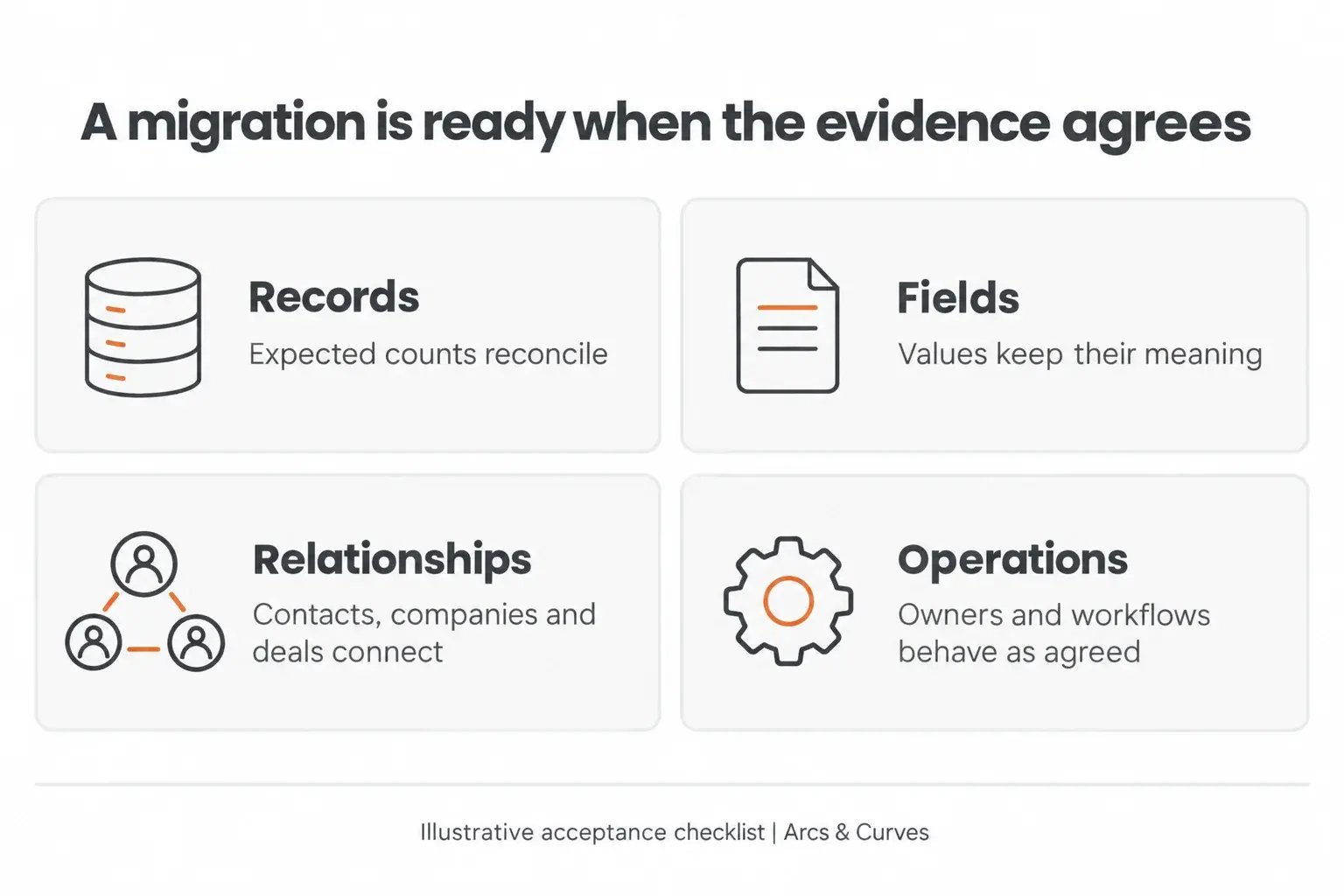
This is where I’d slow down and ask for evidence. Matching record counts are reassuring, but they don’t tell you whether the right person owns a deal or whether contacts are attached to the correct company. Start by accounting for what you expected to move: source records, less agreed exclusions or merged duplicates, should explain the destination total. Keep new records, updates and unresolved failures separate.
| Acceptance area | Question to answer | Evidence to retain |
|---|---|---|
| Records | Can every expected record be accounted for? | Counts by object and a documented exception list |
| Fields | Do important values retain their meaning? | Source-to-target samples and transformation results |
| Relationships | Are people, companies and opportunities connected correctly? | Reviewed relationship cases, including exceptions |
| Operations | Can users find, own and work the records? | User acceptance results and operational checks |
| Reporting | Do agreed measures reconcile on a consistent basis? | Report filters, time basis, currency basis and explanations |
Agree these checks before the final import, while there’s still time to discuss what matters. I’d avoid signing off on “looks fine”. If the team accepts an unresolved issue, record its impact, who owns it and when it will be addressed. When comparing financial reports, use the same record population, stages, date filters and currency treatment on both sides.
If the import returns errors, use the HubSpot import error guidance to investigate the affected records and fields. An entry in the import history tells you a load took place; you still need to understand its outcome.
6. Plan the changeover and recovery
There’s a practical question that can get lost in the technical work: what happens to changes people make while the migration is underway? A salesperson may update an opportunity after you’ve taken the export. Decide when the final export happens, how later changes will be captured and which system the team should use during the changeover. If both systems remain editable, agree how conflicting updates will be resolved.
I’d put the final sequence in a short runbook, with a named person for each export, transformation, load, check and approval. Include reasons to stop, such as unexplained count differences or incorrect ownership. Also decide how you would recover if something went wrong, especially when updating existing records. Don’t assume deleting an import will reverse every effect.
NIST’s data-integrity recovery guidance concerns destructive events rather than CRM migrations, but its focus on recovering trustworthy data is relevant. For this project, I’d translate that into a straightforward question: can we restore what we need and prove that the restored information is reliable? Test the recovery approach before relying on it.
Frequently asked questions
01. Should all historical CRM data move into HubSpot?
I wouldn’t make “move everything” the default. Decide what your team needs for active work, useful context and agreed reporting. Record what will stay in an archive and how people can retrieve it. That gives you a deliberate scope instead of an unexamined copy of the old system.
02. Does a successful import mean the migration is complete?
No. You still need to check field meaning, ownership, relationships and whether users can do their work. I’d consider the migration ready for acceptance when those checks have evidence behind them and any remaining exceptions have agreed owners.
03. Can we migrate in phases?
Yes, if the dependencies and responsibilities are clear. Define the records or team included in each phase, how shared records will be handled and which reports may temporarily be incomplete. Check the method against your actual systems before committing to a timetable.
04. What should we prepare before asking for a migration quote?
Bring the source-system name, approximate record counts, sample field definitions, the history you need, examples of relationships and your business deadline. Identify who can approve the mapping and acceptance decisions. Any underlying customer data should be shared through an agreed secure route.
Start with a few important fields
If you’re at the beginning of this process, I’d suggest one manageable next step: take the mapping table above and complete it for a handful of important fields. That exercise should give you something concrete to discuss with sales and operations, and help you identify the decisions that need more work.