.webp?width=145&height=145&name=Hubspot%20Platinum%20(1).webp)
What is HubSpot Revenue Hub?
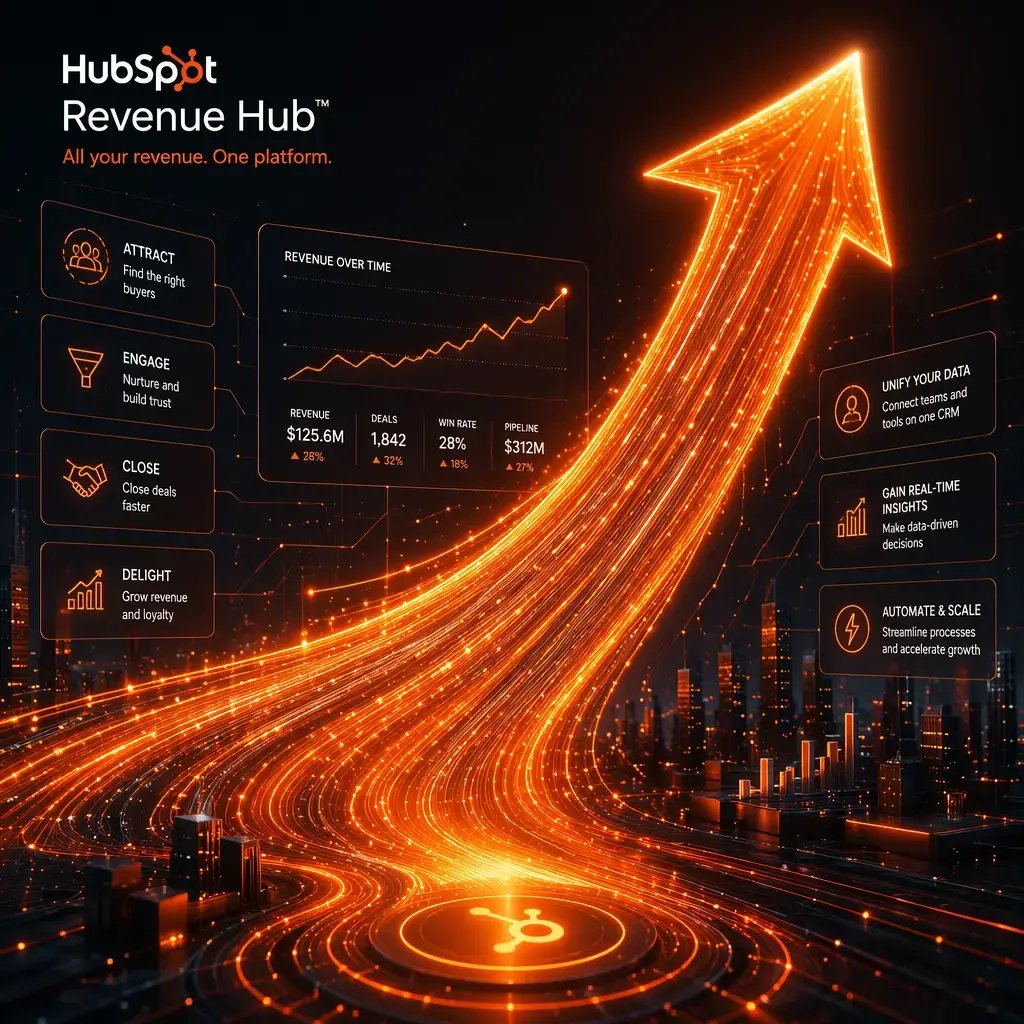
HubSpot Revenue Hub is an AI-powered revenue management platform that helps businesses manage the complete revenue lifecycle—from creating quotes to billing, payments, renewals, and reporting—all within HubSpot.
Instead of relying on disconnected finance tools and spreadsheets, Revenue Hub connects your:
- CRM
- Quotes & Proposals
- Contracts
- Subscription Billing
- Invoicing
- Payments
- Revenue Reporting
- Customer Data
- AI Automation
👉 Into one unified revenue platform.
Because Revenue Hub is built directly into HubSpot CRM, your sales, customer success, finance, and RevOps teams all work from the same real-time customer and revenue data—reducing manual work, improving accuracy, and accelerating cash flow.
At Arcs & Curves, we help businesses implement Revenue Hub strategically, ensuring it fits seamlessly into your sales, finance, and operational workflows.
Why Businesses Choose HubSpot Revenue Hub
1. End-to-End Revenue Management
Manage quoting, contracts, billing, payments, and renewals from one connected platform.
2. AI-Powered Revenue Workflows
Use HubSpot AI to:
- Generate quotes
- Draft proposals
- Automate approvals
- Prioritize overdue payments
- Summarize customer conversations
- Generate revenue insights
3. Faster Quote-to-Cash Process
Reduce delays with automated workflows that move accepted quotes directly into contracts, billing, and payments.
4. Unified Revenue Data
Keep sales, finance, customer success, and RevOps aligned with one shared source of truth.
5. Better Revenue Visibility
Monitor billing, collections, renewals, forecasts, and revenue performance through real-time dashboards.

Our HubSpot Revenue Hub Services
01
We configure your revenue environment for success from day one.
- End-to-end process mapping
- CRM configuration
- Revenue Hub setup
- Quotes & contracts
- Billing configuration
- Payment setup
- User permissions
01

Revenue Hub Setup & Onboarding
02
Simplify proposal creation while maintaining pricing consistency.
- Quote templates
- Configure, Price, Quote (CPQ)
- Pricing rules
- Discount approvals
- Proposal customization
02

Quote & CPQ Configuration
03
Automate billing processes for recurring and one-time payments.
- Subscription billing
- Recurring invoices
- Mid-contract adjustments
- Contract renewals
- Revenue tracking
03
Billing & Subscription Management
04
Create a seamless payment experience while reducing manual follow-ups.
- Payment links
- Credit card & ACH setup
- Invoice automation
- Collections workflows
- Payment tracking
04

Payments & Collections
05
Leverage HubSpot AI to streamline revenue operations.
- AI-generated quotes
- Proposal assistance
- Revenue insights
- Customer conversation summaries
- Intelligent workflow automation
05

AI-Powered Revenue Automation
06
Gain complete visibility into your revenue performance.
- Revenue dashboards
- Forecast reporting
- Pipeline analytics
- Billing reports
- Collection performance
06

Revenue Reporting & Forecasting
07
Connect Revenue Hub with your existing business systems.
- Accounting software integrations
- ERP integrations
- CRM synchronization
- Custom API integrations
- Data migration
07
Finance & Third-Party Integrations
08
Help your teams maximize Revenue Hub adoption.
- Live training sessions
- Admin training
- User onboarding
- HubSpot Academy resources
- Ongoing support
08

Training & User Enablement
Key Features of HubSpot Revenue Hub
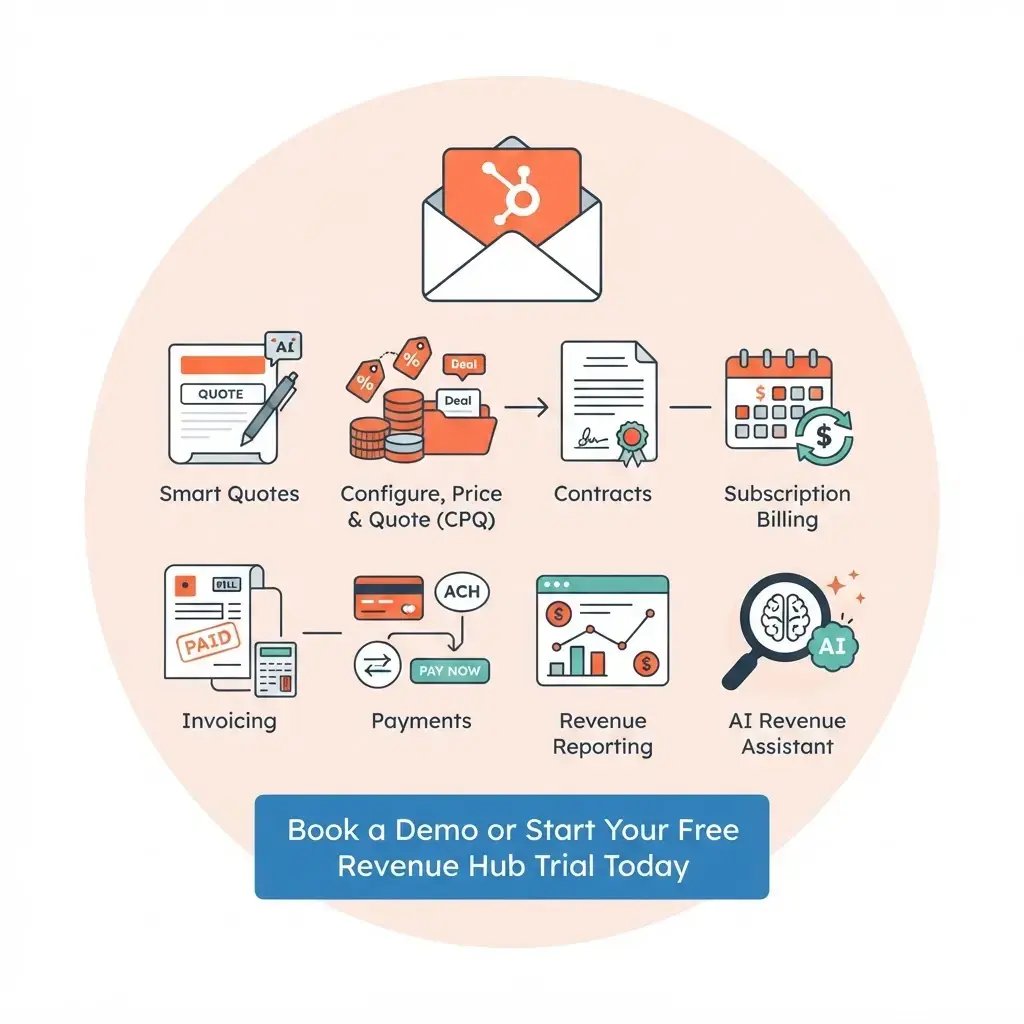
1. Smart Quotes
Create professional, personalized quotes with drag-and-drop tools and AI assistance.
2. Configure, Price & Quote (CPQ)
Apply pricing rules, approvals, and discount controls directly from the deal record.
3. Contracts
Automatically convert signed quotes into structured contracts without manual data entry.
4. Subscription Billing
Manage recurring billing while handling upgrades, renewals, and contract changes.
5. Invoicing
Generate branded invoices connected directly to customer records.
6. Payments
Accept online payments through cards, ACH, recurring payments, and payment links.
7. Revenue Reporting
Track quoted, billed, collected, and recurring revenue with real-time dashboards.
8. AI Revenue Assistant
Use AI to create quotes, answer questions, automate workflows, and improve revenue operations.
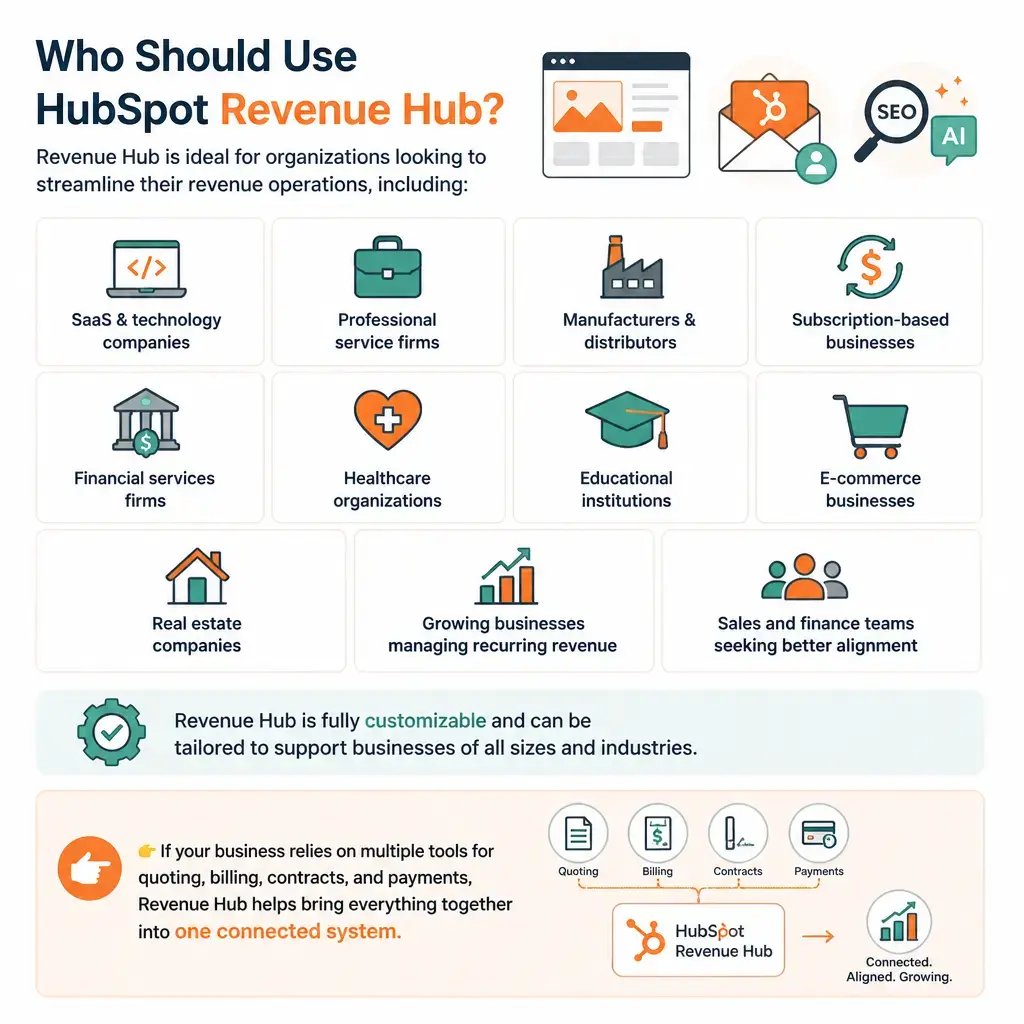
Who Should Use HubSpot Revenue Hub?
Revenue Hub is ideal for organizations looking to streamline their revenue operations, including:
- SaaS & technology companies
- Professional service firms
- Manufacturers & distributors
- Subscription-based businesses
- Financial services firms
- Healthcare organizations
- Educational institutions
- E-commerce businesses
- Real estate companies
- Growing businesses managing recurring revenue
- Sales and finance teams seeking better alignment
Revenue Hub is fully customizable and can be tailored to support businesses of all sizes and industries.
👉 If your business relies on multiple tools for quoting, billing, contracts, and payments, Revenue Hub helps bring everything together into one connected system.
Our Case Studies

CRM Infrastructure Built Around a Multi-Layered Coworking Business...
Flexible workspace & business accelerator · Dubai Connecting HubSpot Sales Hub with Nexudus...
Read More
Hubspot implementation, consulting and extended team training for the...
ABOUT THE CLIENT As bastions of French language and culture in the heart of the United Arab...
Read More.webp?width=596&name=cs-usg%20(1).webp)
Hubspot integration with Oracle CX Cloud and Hubspot Marketing and...
ABOUT THE CLIENT USG Boral is a leading manufacturer and supplier of gypsum-based wall and ceiling...
Read More
Complicated integration and implementation of Hubspot Marketing...
" ABOUT THE CLIENT\n CXG is a leading-edge technology company specializing in innovative solutions...
Read More
Helping Nigeria’s leading financial services provider streamline...
ABOUT THE CLIENT Introducing Nairacompare, the beacon of Nigeria's financial landscape. As the...
Read More